
Most onboarding software was built for office staff: a laptop on day one, a login, a welcome portal and a stack of e-learning modules. On a production floor, in a warehouse or on site, that picture does not fit. New operators, pickers and operatives have a phone, not a laptop, and they need to be safe and productive within days.
This guide helps you choose onboarding software for manufacturing and other frontline teams in logistics, construction and facilities. You will find the main types of tools, a selection checklist, a comparison of paper and digital onboarding, and how to use video well.
What onboarding software needs to do in manufacturing
Onboarding in manufacturing is different from onboarding in an office. The tool you choose has to cope with that.
- Safety first. New starters face real hazards from day one: machinery, vehicles, chemicals, noise. Under the Management of Health and Safety at Work Regulations 1999 (reg. 13), you must provide adequate health and safety training when someone is recruited.
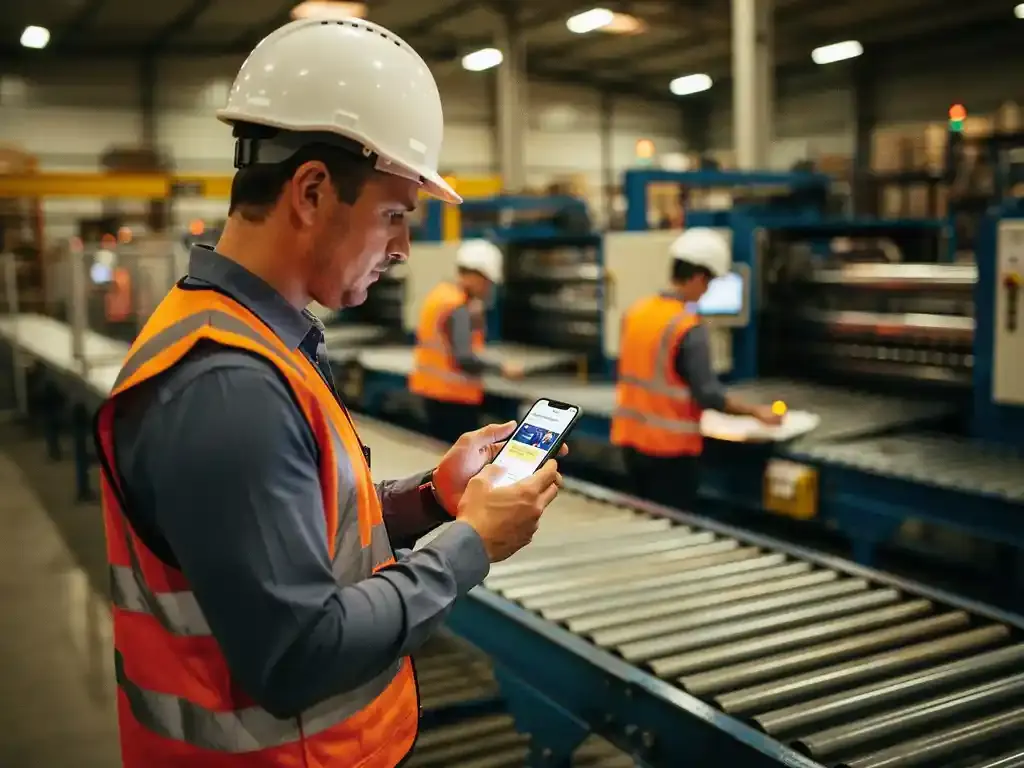
- No desk, no laptop. The content must work on the worker's phone.
- Shifts. New starters join on different shifts and different days, often without HR present.
- Many languages. Mixed-language teams are common in production, food and logistics.
- High volume. Seasonal peaks and agency staff mean many starters in a short time.
- Proof. You need a record of who received which induction and training, and when.
Types of onboarding tools
There are roughly five types of tools that companies use to onboard frontline workers. Each has its place.
| Type of tool | Strengths | Fit for the shop floor |
|---|---|---|
| HR system with onboarding module | Contracts, personal details, payroll set-up | Good for admin, weak for safety training and deskless staff |
| Learning management system (LMS) | Large course libraries, certification | Often needs a login and a computer; low completion on the floor |
| Employee app | News, rotas, chat | Depends on downloads and adoption, especially among temporary staff |
| WhatsApp-based training platform | No app or login, very high reach, multilingual | Strong for safety, instructions and day-one information |
| Paper and binders | Familiar, no technology needed | Hard to keep up to date, no proof of understanding |
Many companies combine an HR system for the paperwork with a mobile, WhatsApp-based tool for everything the worker needs to know and do. For a balanced view of that channel, see the pros and cons of WhatsApp as an onboarding channel.
How to choose a digital onboarding tool for the shop floor
Use this checklist when you compare tools. The more boxes a tool ticks, the better it will work for your frontline teams.
Access and adoption
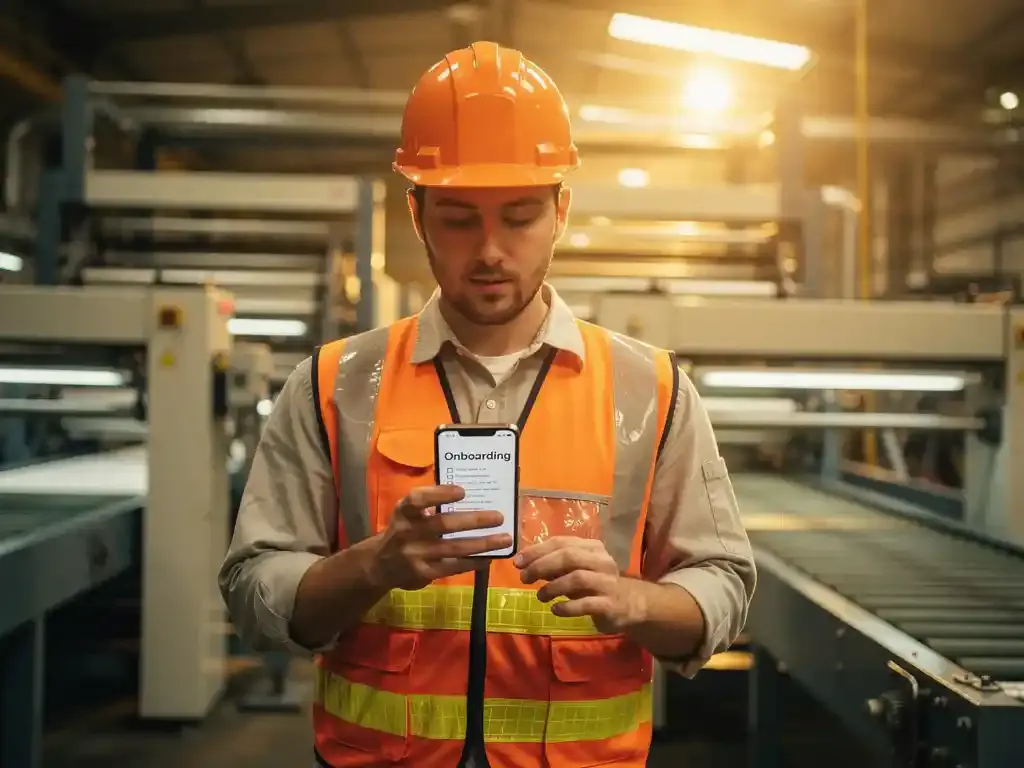
- Works on the worker's own phone, without installing an app
- No username or password to remember
- Can be sent before day one, so preboarding is possible
- Works for agency and temporary staff without creating accounts
Content
- Short modules of a few minutes each, not hour-long courses
- Supports photos, video and documents from your own workplace
- Content in each worker's own language
- Your existing induction material can be imported, not rebuilt from scratch
- Ready-made safety content for common topics
Learning and checking
- Knowledge questions after each module
- Automatic reminders for people who have not completed modules
- Easy updates when a procedure changes
Records and management
- A dashboard showing who completed what, per site, team and role
- Exportable records for audits and clients
- Connects with your HR and planning systems so new starters are added automatically
- Clear data protection under UK GDPR
Practical points
- Quick to set up, without a long implementation project
- Pricing per employee that scales with seasonal peaks
- Support for the people who create and send the content
Paper vs digital onboarding compared
Many manufacturers still onboard with a welcome pack, a signed list of rules and a tour. It works up to a point, but it has clear limits.
| Paper onboarding | Digital onboarding on the phone | |
|---|---|---|
| Up to date | Old versions stay in circulation | One central version, updated instantly |
| Consistency | Depends on who gives the induction | Every new starter gets the same content |
| Language | Usually English only | Each worker in their own language |
| Proof | Signature for attendance | Record of completion and answers |
| Night and weekend starters | Often get a shorter version | Same content whatever the shift |
| Effort for supervisors | High, repeated for every starter | Low, they focus on hands-on training |
Digital does not replace the human side. The tour, the introduction to the team and the hands-on training at the machine stay essential. What digital tools take over is the repetitive information transfer, so supervisors have more time for the practical part.
Using video in onboarding
Video is one of the most effective ways to onboard production employees. It shows how things are done, it crosses language barriers, and it is the same every time.
- Film in your own workplace: your machines, your entrances, your colleagues.
- Keep it short: one topic per clip, under two minutes.
- Use subtitles: in the worker's own language.
- Cover the essentials first: the site layout, emergency routes, PPE, the main hazards.
- Add questions: one or two after each clip to check the key point.
A smartphone and a quiet moment on the floor are usually enough. Polished corporate films are less effective than short, real clips that people recognise.
Rolling out a new onboarding tool
Choosing the tool is half the work. A careful roll-out makes sure it is actually used.
- Start with one site or department. Pick a team that hires regularly, so you get feedback quickly.
- Begin with the essentials. Site rules, emergency procedures, PPE and the main hazards for the role.
- Involve supervisors. They know which questions new starters ask and which mistakes they make. See how to avoid common onboarding mistakes.
- Ask new starters for feedback. After two weeks, ask what was clear, what was missing and what came too late.
- Extend step by step. Add role-specific modules, other sites and refresher training once the basics run smoothly.
Keep the hands-on part with people. The tool should free up supervisors' time for practical training, not replace it.
Onboarding trends worth knowing
A few developments are changing how frontline onboarding works.
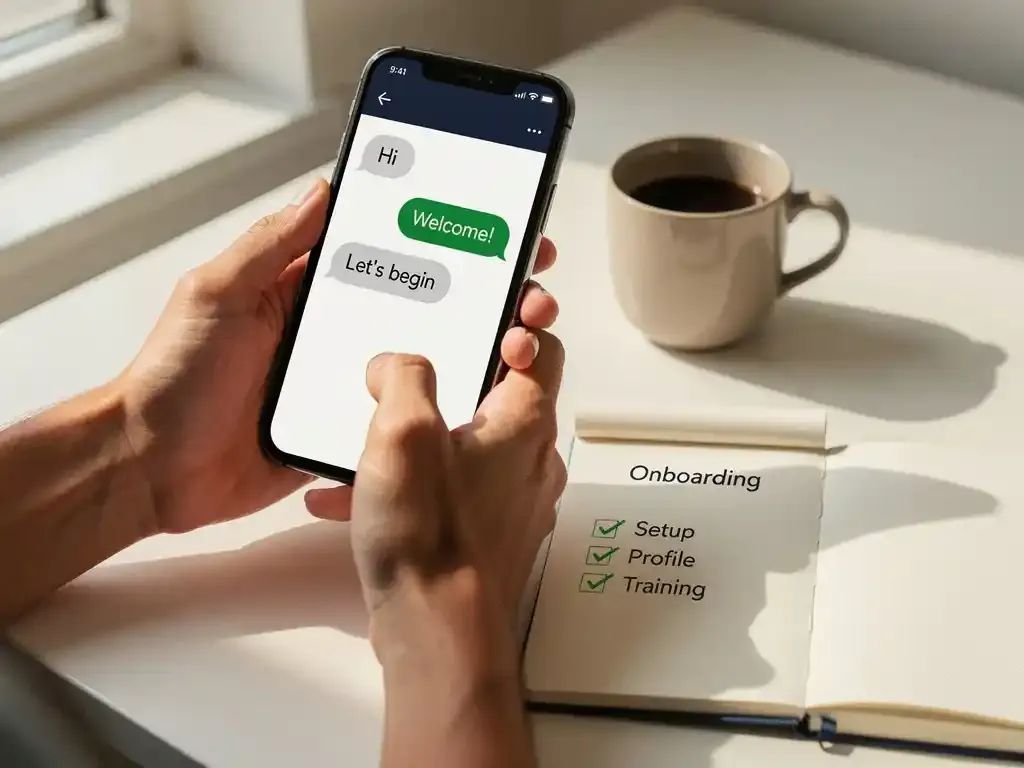
- Preboarding before day one: sending practical and safety information before the first shift. See what a preboarding message looks like.
- Microlearning: short modules spread over the first weeks instead of one long induction day.
- Mobile-first and no app: using channels workers already use.
- Automatic translation: making multilingual onboarding realistic for smaller teams.
- Data-driven improvement: using completion rates, quiz results and early turnover to improve the programme. See which KPIs to use to measure onboarding success.
Frequently asked questions
What is the best onboarding software for manufacturing?
The best tool is one that frontline workers actually use: mobile, without an app or login, in their own language, with short modules and knowledge questions, and with records you can show an auditor. Many manufacturers combine their HR system with a mobile tool for safety and practical onboarding.
Do digital onboarding apps work better than paper onboarding packs?
For information transfer, yes: content stays up to date, every starter gets the same information in their own language, and you can see who understood it. Hands-on training and personal introductions remain essential alongside it.
Is safety training at onboarding a legal requirement in the UK?
Yes. MHSWR reg. 13 requires employers to provide adequate health and safety training when people are recruited, and reg. 10 requires information that employees can understand. The law does not prescribe a format, so digital delivery is fine as long as it is effective.
Can agency and temporary workers use the same onboarding tool?
They should, if the tool does not need accounts or logins. A tool that works with a phone number lets you onboard agency staff the same way as permanent employees.
How long does it take to set up digital onboarding?
With ready-made safety content and your own material imported for you, a first onboarding programme can often be running within a few weeks.
How E-lia helps
E-lia delivers onboarding for frontline workers via WhatsApp. New starters receive short modules on their own phone, before and after their first day, in their own language, with no app and no login. Each module ends with a few questions, and progress is recorded automatically in your dashboard. Your existing induction material is imported for you, and you can add ready-made toolbox talks for the main safety topics. Pricing starts from £20 per employee per year.
Onboard new starters on their phone
Try a WhatsApp onboarding module yourself and see what your new starters would receive.