
The best workplace inspection app for construction and production is the one your site managers and supervisors will actually use, every week, on every site. That sounds obvious, but it is where most digital inspection projects fail. A tool with a hundred features that nobody opens on a Friday afternoon is worse than a paper form.
This guide explains what a digital workplace inspection is, why paper no longer holds up, which types of construction safety inspection app exist, and which selection criteria matter most when you work on sites with poor signal, subcontractors and several projects running at once.
What is a digital workplace inspection?
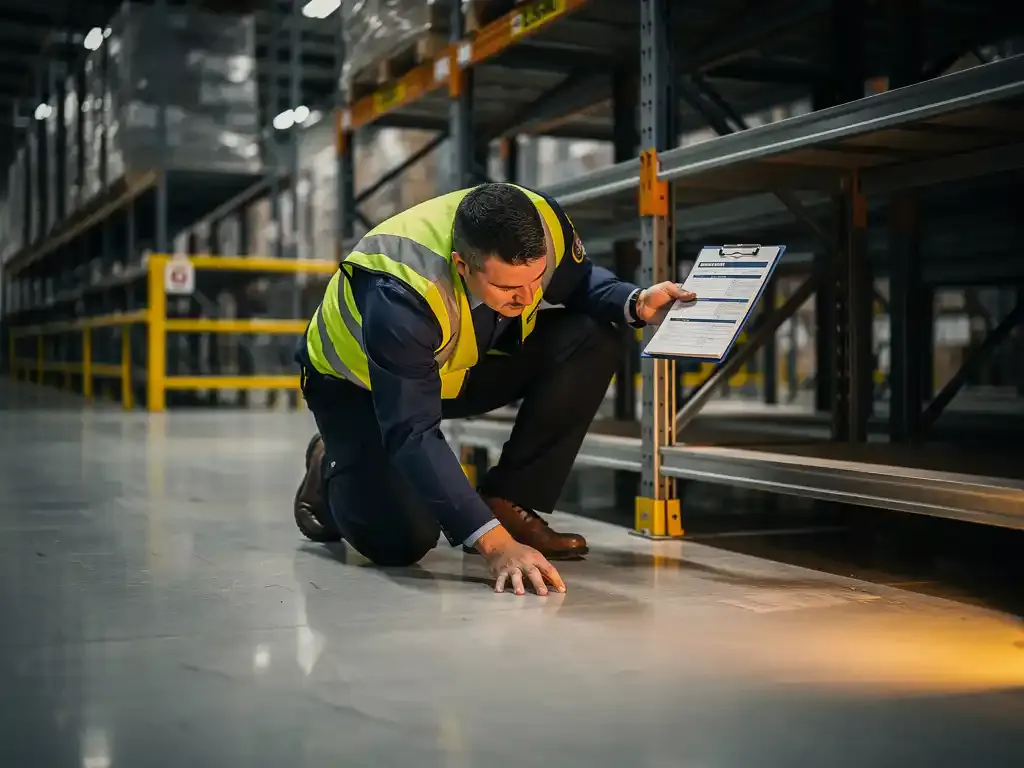
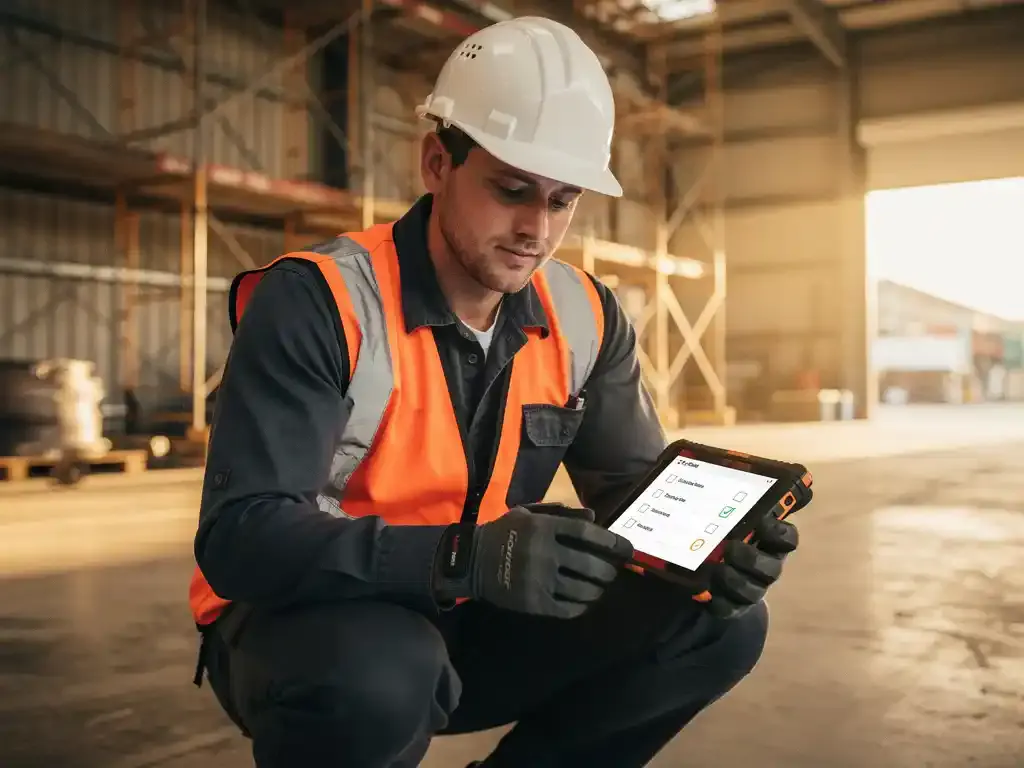
A workplace inspection is a structured walk-round to check that the workplace, equipment and ways of working are safe. A digital workplace inspection is the same walk-round, but recorded on a phone or tablet instead of on a clipboard.
In practice it works like this:
- The inspector opens a checklist on their phone, either one they start themselves or one that is pushed to them on a schedule.
- They work through the inspection points on site: housekeeping, access and egress, edge protection, PPE, plant, electrics, welfare and so on.
- For each finding they add a photo, a short note and, where needed, an action for someone to fix it.
- The completed inspection is time-stamped and lands in a central dashboard straight away.
- Actions are followed up and closed, and the history is kept for audits, clients and the HSE.
The checklist itself does not change much. What changes is everything around it: speed, evidence, follow-up and the ability to compare sites.
Paper vs digital: why paper no longer suffices
Paper inspection forms got the industry a long way. But on a modern site they create gaps you cannot see until something goes wrong.
| Paper form | Digital inspection | |
|---|---|---|
| Evidence | Handwritten notes, photos on someone's phone | Photo and time stamp attached to each finding |
| Speed | Typed up later, often days afterwards | Visible in the dashboard while the team is still on site |
| Follow-up | Actions agreed verbally, easy to lose | Each action has an owner and a deadline |
| Finding it again | Folders in the site cabin or head office | Searchable by site, date and topic |
| Comparing sites | Practically impossible | Trends per site, contractor and topic |
| Audit readiness | Searching and copying | Export in one go |
The biggest weakness of paper is not the form itself. It is that the report arrives too late to act on and too scattered to learn from. A damaged scaffold board noted on Tuesday and typed up on Friday has been walked on for three days.
There is a legal angle too. The Management of Health and Safety at Work Regulations 1999 (regulation 5) require you to plan, organise, control, monitor and review your safety arrangements. Inspections are one of the main ways to show that monitoring happens. If your records are incomplete, you cannot show it.
Which types of workplace inspection app are there?
Rather than comparing brand names that change every year, it helps to look at the types of tool on the market. Each suits a different organisation.
| App type | Best for | Watch out for |
|---|---|---|
| Generic form and checklist apps | Small teams who want to digitise one or two forms quickly | Often weak on actions, follow-up and reporting across sites |
| Dedicated inspection and audit apps | Health and safety teams running many inspection templates | Every inspector needs an account, an app and training |
| Construction project management platforms | Large contractors who already run drawings, snags and documents in one system | Inspections are one module among many; heavy for subcontractors |
| EHS and quality management suites | Manufacturers with ISO 45001 and ISO 9001 audit programmes | Long implementation, mostly used by office-based staff |
| Messaging-based inspections (WhatsApp) | Mixed sites with supervisors, foremen and subcontractors who will not install another app | Choose one with a dashboard for actions and reporting |
For production sites, the emphasis is usually on recurring checks per area or machine and on comparing shifts. For construction, the emphasis is on changing conditions, several contractors on site and the principal contractor's duty under CDM 2015 to monitor the construction phase.
Selection criteria: what a construction safety inspection app must do
When you compare tools, score them against the realities of your sites, not against a feature list.
Works offline and on poor signal
Basements, tunnels, rural sites and large factory halls often have weak coverage. Ask how the app behaves with no signal. Can the inspector carry on, and is everything sent automatically once the phone reconnects? For enterprise use across many sites, this is often the deciding factor.
Photos and time stamps on every finding
A photo says more than a paragraph. Every finding should carry a photo and a time stamp that cannot be altered afterwards. That is your evidence for clients, insurers and the HSE. Read more about what a complete inspection report looks like.
Actions with an owner and a deadline
An inspection that finds a problem but does not get it fixed achieves nothing. The app should let you assign an action to a named person, set a deadline and see what is still open. See how to verify corrective actions after an inspection.
Multi-site and multi-company
Can you see all your sites in one overview? Can you filter by contractor? Can a regional manager compare locations without exporting to a spreadsheet? Consistent templates across sites are what make that comparison possible.
Low threshold for the people who inspect
The inspectors are supervisors, foremen and site managers, not software specialists. Every extra login, password reset or app update is a reason to skip the inspection. Adoption beats features.
Audit-ready records
You want to export inspections per site and period in one go, ready for an ISO 45001 audit, a client review or an HSE visit.
WhatsApp as an inspection tool, including at remote locations
Most site managers and supervisors already use WhatsApp all day. Using it for inspections removes the biggest barrier: there is nothing to install and nothing to log into.
With E-lia, an inspection works like this in practice:
- The site manager starts an inspection from WhatsApp, or receives it as a scheduled push message.
- The checklist arrives question by question in the chat. Each finding gets a photo straight away.
- The completed inspection appears in the E-lia dashboard in real time, with photo and time stamp.
- Whoever needs to follow up sees the action straight away, not at the end of the week.
This works particularly well at remote and changing locations: road works, rail and utility sites, wind farms, small projects with one supervisor. The person on site needs nothing more than the phone in their pocket. For homeworking and other remote set-ups, see whether remote workplace inspections are possible and how to do them responsibly.
Moving from paper to digital on a construction site
Switching does not need to be a large IT project. A practical route:
- Start with the form you already use. Digitise your existing checklist first, then improve it once you see the data.
- Run one site as a pilot. Choose a site manager who is open to it and let them shape the template.
- Agree who follows up actions. Decide upfront who receives findings and how quickly they must respond.
- Roll out per site, not per department. Each site gets the same template, adapted only where its risks differ.
- Review after a month. Look at completion, open actions and recurring findings, and adjust.
Keep the paper form available for a short transition period, then stop accepting it. Two systems side by side is the fastest way to lose records.
Where inspections are heading
Digital inspections are steadily moving from "a form on a phone" to a connected safety process. Findings feed straight into toolbox talks, recurring issues show up in dashboards, and the next inspection focuses on what went wrong last time.
AI helps to summarise findings and spot patterns across sites, and sensors are starting to monitor things like dust, noise and temperature continuously. None of that replaces the person walking the site. It makes their walk-round better targeted and their findings harder to ignore.
Frequently asked questions
What is the best workplace inspection app for construction?
The best app is the one your site managers and supervisors use consistently on every site. Look for offline use, a photo and time stamp per finding, actions with owners and deadlines, and a multi-site overview. An app that works through WhatsApp scores highly on adoption because there is nothing to install.
Can a construction safety inspection app work offline?
Yes, good tools let the inspector carry on without signal and send everything once the phone reconnects. WhatsApp also queues messages and photos and sends them automatically when coverage returns, which makes it practical for basements, tunnels and rural sites.
Is a digital inspection legally valid in the UK?
Yes. UK law does not prescribe a paper format for inspection records. What matters is that inspections are carried out by a competent person, that findings are recorded and acted on, and that you can show this. Some statutory inspections, such as scaffold inspections under the Work at Height Regulations 2005, require a report with set content, which a digital form can capture.
How long does it take to switch from paper to digital inspections?
With a messaging-based tool you can run your first digital inspection within days. Most of the time goes into agreeing the checklist and who follows up actions, not into the software. A pilot on one site followed by a phased roll-out is the safest route.
Do subcontractors need their own account?
That depends on the tool. Many inspection apps require an account per user. With E-lia, inspectors work through WhatsApp, so a subcontractor's supervisor can take part without a new app or login.
How E-lia helps
E-lia puts your own inspection checklist on the phone of your site manager or health and safety adviser, through WhatsApp. Every finding gets a photo and a time stamp, actions reach the right person straight away, and every completed inspection is stored in one dashboard, ready for your ISO 45001 audit. Inspections sit alongside your toolbox talks, so a finding on Monday can become a targeted toolbox talk on Tuesday. Prefer to start on paper? Download the free workplace inspection form.
See a workplace inspection via WhatsApp
Receive a demo inspection on your phone and see how findings, photos and actions land in the dashboard.