
Free toolbox talk · PowerPoint

Download the free LMRA toolbox talk

The final check before work starts, explained in a ten-minute toolbox talk.

An LMRA, also known as a point of work risk assessment, takes just a few minutes and can prevent an accident. This toolbox talk teaches your team the five steps and the rule: if in doubt, stop, with examples everyone recognises.

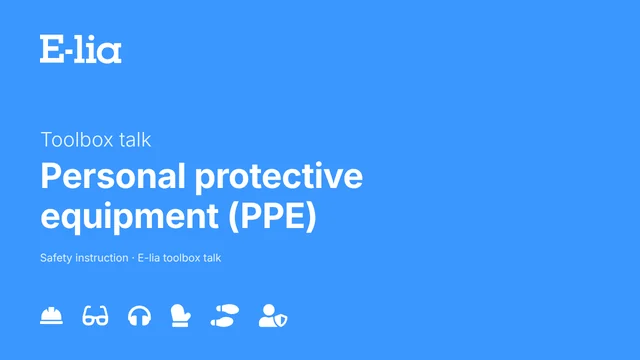
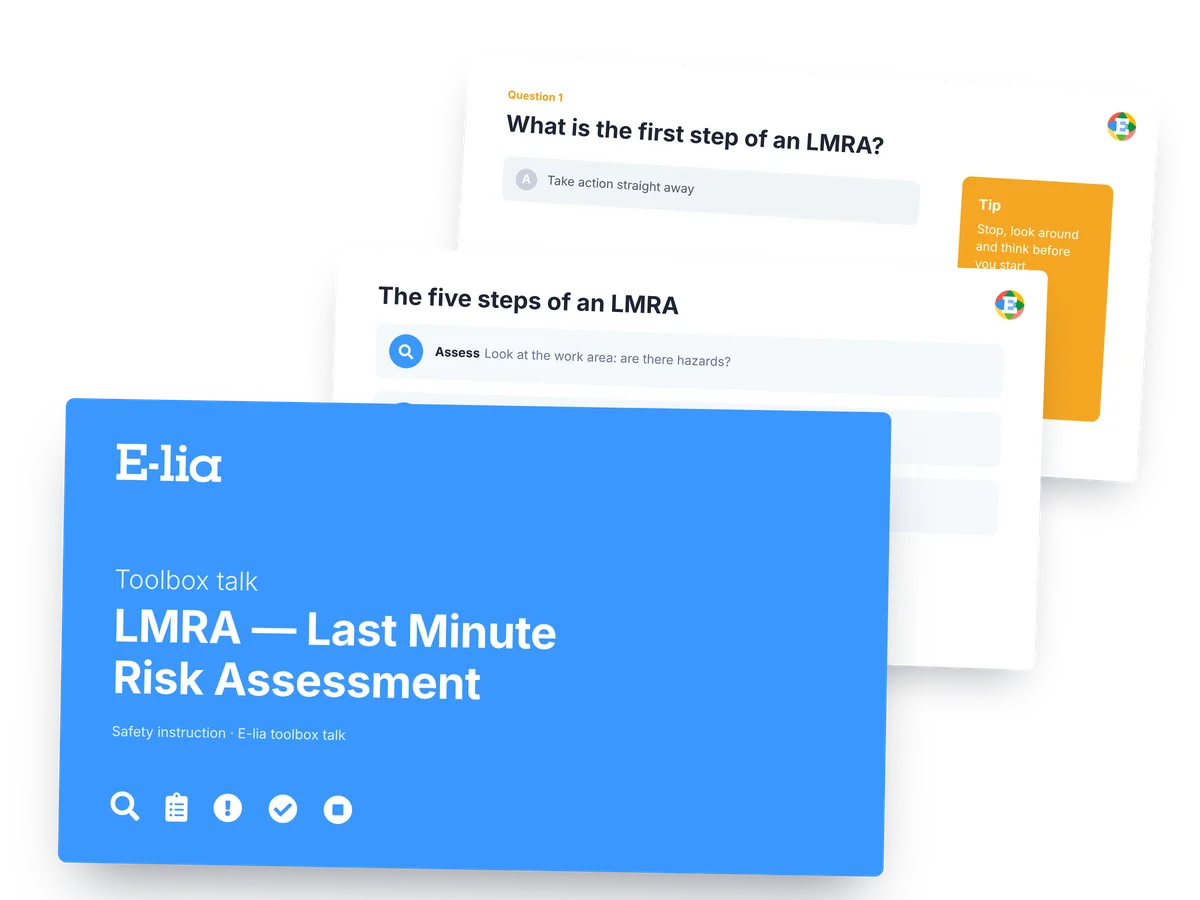
E-lia LMRA toolbox talk: PowerPoint with the five steps and a quiz question

Don't just take our word for it: these organisations already see the benefits of E-lia.

Jan De NulRead the customer storyDe Rycke betonRead the customer storySealteQE-lia customerSchouten TechniekE-lia customerMansveld TechniekE-lia customerIJssel Technology ServicesE-lia customerArbo UnieE-lia customerVerkleyE-lia customer
The smarter way: via WhatsApp

Toolbox talks via WhatsApp: as easy as it gets

No extra app, no accounts, no fuss. E-lia sends your toolbox talks, quiz questions and reminders straight to WhatsApp, the channel everyone on site already uses every day. One message and your whole team takes part, even without an email address or laptop.

✅ No app or login ✅ In the chat app they already use ✅ Every talk on record
See a toolbox talk via WhatsApp →

👇 Scroll down for your free toolbox talk

The next step

This toolbox talk helps you today. E-lia helps you every month.

If you're looking for an LMRA toolbox talk, you probably run toolbox talks regularly.

Choosing a topic every month, making a presentation, getting everyone together and keeping track of attendance: it takes health and safety advisers and site managers a lot of time.

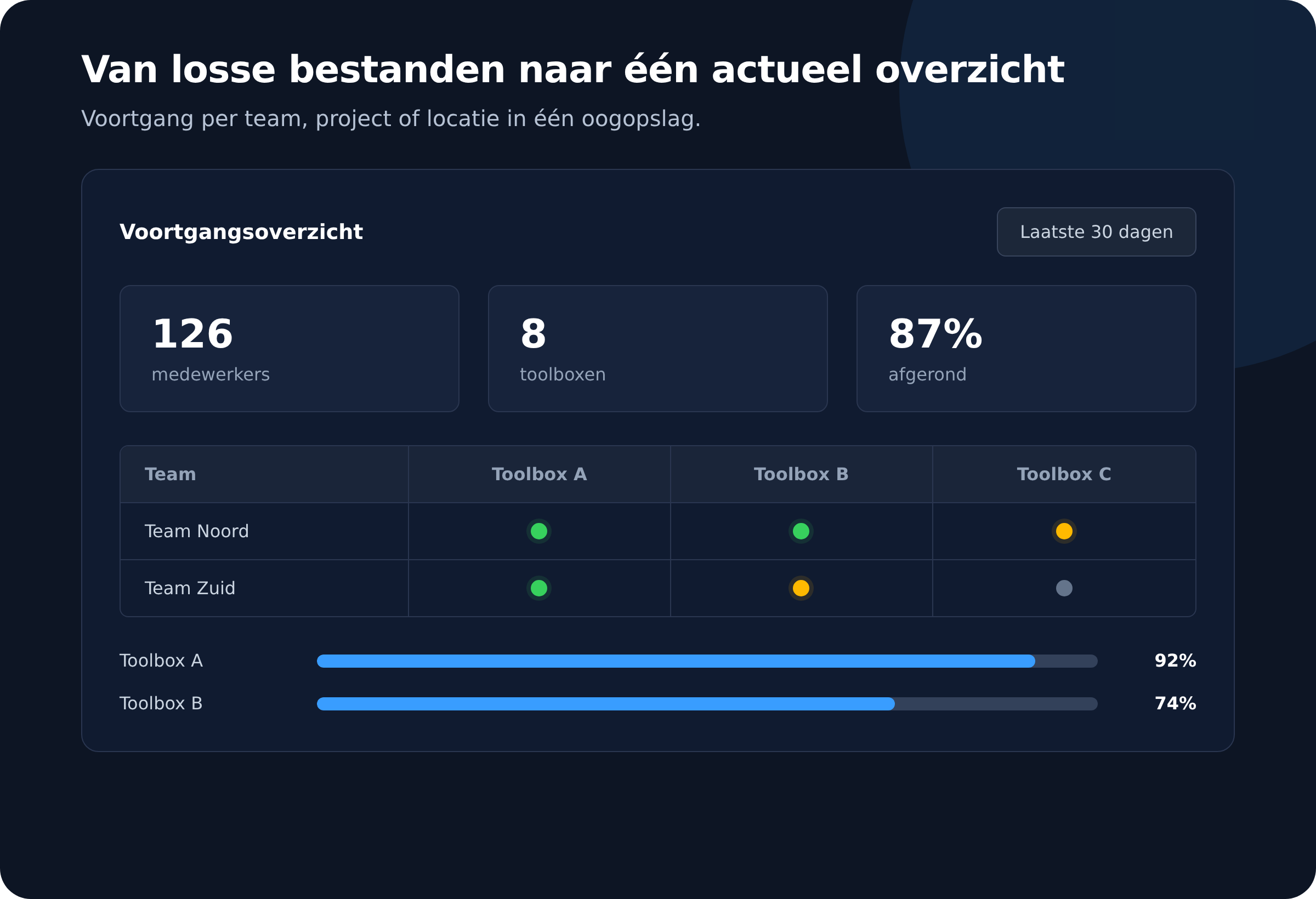
E-lia takes that work off your hands. You choose a ready-made toolbox talk, send it to your team via WhatsApp and see straight away who has completed and understood it.

Example of the E-lia dashboard with a progress overview
Receive it straight away

Download the free toolbox talk on LMRA (Last Minute Risk Assessment)

Enter your business details and we'll send the editable PowerPoint straight to your inbox.

Where should we send the toolbox talk?

Enter your details and receive the toolbox talk by email.

We handle your data with care. Read our privacy policy.

How E-lia works

From choosing a topic to audit-ready records

For your workers, it's simply a WhatsApp message about the LMRA. For you, it's a dashboard that keeps content, reach and results under control.

1

Choose a toolbox talk

Use a topic from the library or add your own content.

2

Send via WhatsApp

Workers receive the toolbox talk on their phone, in their own language. No app, no login.

3

Check understanding

Short quiz questions show whether the message has sunk in.

4

Prove attendance

Everyone who completed the toolbox talk appears in your dashboard straight away, ready for your ISO 45001 audit.

Why organisations switch

Less paperwork, more control over safety

A PowerPoint works perfectly well for a one-off toolbox talk. If you want to plan, send and record toolbox talks month after month, E-lia is built for exactly that.

Task

Manual

With E-lia

Finding content
Starting from scratch every month
80+ topics ready to go
Reaching workers
Getting everyone together
Straight to WhatsApp
Recording attendance
Paper and Excel
Automatically in the dashboard
Checking understanding
Hard to prove
Interactive knowledge check

Contents

What's in the LMRA toolbox talk?

A PowerPoint of about ten minutes, with speaker notes on every slide. So there's nothing for you to prepare.

  1. What is an LMRA?
  2. Why an LMRA matters
  3. The five steps of an LMRA
  4. Where and when to carry out an LMRA
  5. What an LMRA looks like: the four basic questions
  6. Stop if in doubt
  7. Three-question quiz and an open discussion

It ends with a sign-in slide for your own QR code, so attendance is recorded straight away.

FAQ

Frequently asked questions about the LMRA toolbox talk

What's the difference between an LMRA and a risk assessment?

The risk assessment and RAMS are prepared in advance. The LMRA is the short check that workers carry out themselves just before they start, and it adds to the risk assessment rather than replacing it.

How often should you carry out an LMRA?

Before starting work, after every break or interruption, whenever something changes on the job and after a fault, incident or near miss.

Do you also have an LMRA form?

Yes. You can also download the editable LMRA form for free. With E-lia, your team completes the LMRA digitally via WhatsApp.

DEMO VIA WHATSAPP

Try a toolbox talk via WhatsApp

Enter your name and business email address and we'll send you a short toolbox talk demo via WhatsApp, straight to your phone. You'll see for yourself what your team receives: a short video, a few knowledge questions and automatic attendance records.

Contact