

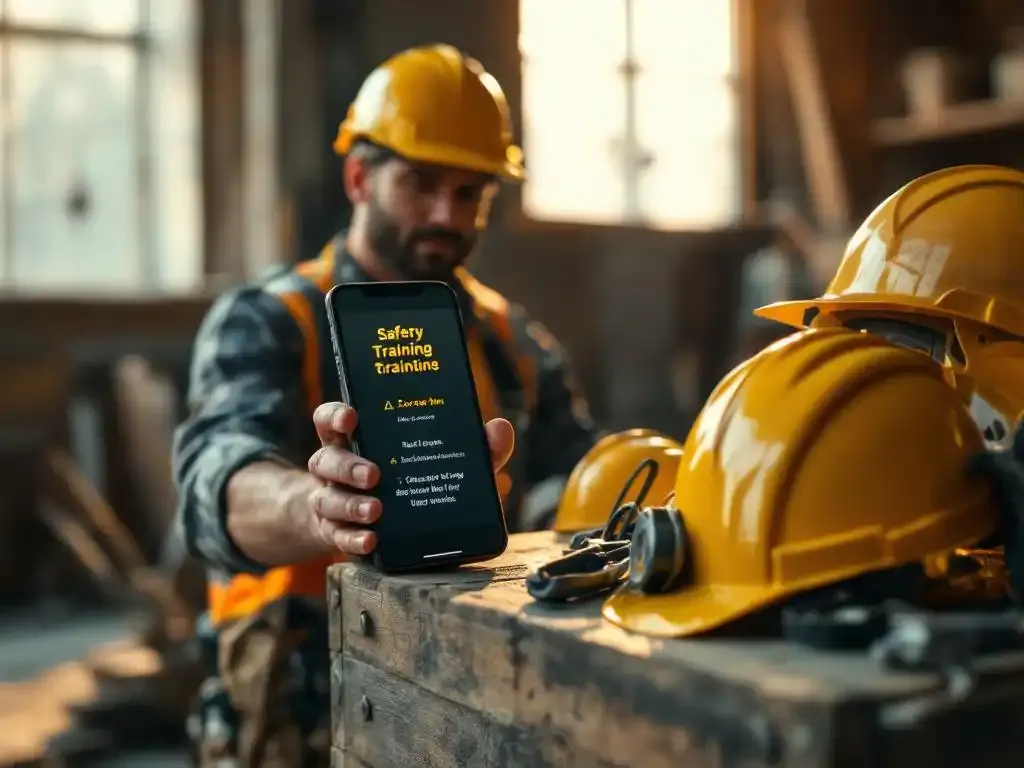
Toolbox talks used to mean a supervisor, a folder and a sign-in sheet. Today you can deliver the same message to every worker's phone, in their own language, and see within hours who has read and understood it.
This guide compares the technology options for toolbox talks: dedicated apps, learning platforms, messaging and hybrid approaches. It covers when face-to-face still works best, why WhatsApp works for frontline teams, what UK GDPR means for you, how to estimate cost and return, and how to manage toolbox talks across sites and job roles. It ends with a checklist for choosing toolbox talk software.
Physical, digital or hybrid toolbox talks: which to use when
A toolbox talk does not have to be face-to-face. UK law requires you to provide information, instruction and training that workers can understand (Health and Safety at Work etc. Act 1974, section 2, and the Management of Health and Safety at Work Regulations 1999). It does not prescribe the format. For background, see what a toolbox talk is and whether it is a legal requirement.
| Format | Works best for |
|---|---|
| Face-to-face | High-risk or site-specific work, new methods, topics that need demonstration or discussion, team-building after an incident |
| Digital | Recurring topics, seasonal reminders, urgent updates, dispersed or shift workers, multilingual teams, anyone who missed the face-to-face talk |
| Hybrid | Most organisations: digital for reach and frequency, face-to-face for discussion, with all attendance in one record |
In a hybrid set-up, workers might receive a short talk on their phone on Monday and discuss it at the pre-start briefing on Tuesday. Or the supervisor runs the talk on site, workers scan a QR code to register, and anyone absent receives the same content digitally.
Types of toolbox talk technology
Documents, slides and printed packs
Still common and cheap. But they rely on someone presenting them well, attendance is on paper and there is no check of understanding.
Learning management systems (LMS)
Good for office staff with a company email and laptop. For frontline workers, logins, passwords and long modules are a barrier, so completion tends to be low.
Dedicated safety apps
Can do a lot, but every worker has to download, install and log in. Subcontractors and agency staff rarely do, and forgotten passwords end up with the site manager.
Messaging-based toolbox talks
The talk arrives in an app workers already use every day, such as WhatsApp. No installation, no login, and completion is recorded automatically. This is the format that reaches frontline teams most reliably.
QR codes for face-to-face talks
A QR code at the talk lets workers register attendance and answer a few questions in their browser, so your physical talks feed the same digital record. See how to register toolbox talk attendance.
Why WhatsApp works for toolbox talks
- No app install: almost every worker already has WhatsApp and checks it many times a day.
- No company account: workers do not need a work email, laptop or password.
- Familiar: no training needed; anyone who can reply to a message can complete a talk.
- Own language: content can be delivered in Polish, Romanian, Portuguese or any other language, so the message is actually understood.
- Short and interactive: a few screens of text, images or video and a short knowledge check, in minutes rather than an hour.
- Fast: an urgent message, such as a heatwave or a near miss on another site, reaches everyone the same day.
Language matters legally too: regulation 10 of the Management Regulations requires information to be comprehensible. More on that in how to instruct employees who don't speak the language.
Privacy and UK GDPR
Sending safety content to personal phones raises fair questions. Under UK GDPR and the Data Protection Act 2018 you need a lawful basis (for health and safety training this is usually your legal obligation or legitimate interest), clear privacy information for workers and a data processing agreement with your supplier.
Ask any supplier how they handle this. E-lia uses the official WhatsApp Business Platform: Meta only processes messages to deliver them. Answers and results are stored by E-lia, encrypted, in ISO 27001-certified data centres in the EEA, which UK law recognises as providing adequate protection. Every customer gets a data processing agreement, and workers' private chats are never visible to the employer.
Cost and ROI of digital toolbox talks
The biggest cost of a traditional toolbox talk is not the material. It is the time of everyone involved:
- Workers stopping work, and often travelling, to attend.
- Supervisors preparing and repeating the same talk on several sites and shifts.
- Admin staff typing up sign-in sheets, chasing absentees and preparing for audits.
- Gaps that only show up in an audit or after an incident.
A simple way to estimate the return
Use your own figures. Take the number of talks per year, multiply by the number of workers and the minutes each loses to attending and travelling, then add supervisor time per session and admin time per sign-in sheet. Compare that with a digital talk that takes a worker a few minutes on their phone and records itself.
For example, if 100 workers each lose 30 minutes a month to a talk, that is 600 working hours a year. If a digital talk takes 8 minutes, most of that time comes back, before counting the admin saved. Digital toolbox talk software such as E-lia starts from £20 per employee per year, which is usually a fraction of the time saved.
Managing toolbox talks across sites, projects and job roles
As you grow from one site to many, the problems change. The same talk is given differently on every site, files multiply across laptops and shared drives, and nobody has an overview of who received what.
One central toolbox library
- Keep every talk in one place with an owner, a version and a review date.
- Tag talks by hazard, trade, site type and season so they are easy to find.
- Retire outdated versions so nobody presents last year's procedure.
- Combine ready-made talks with your own site-specific material.
Assigning talks to roles and risk profiles
Not everyone needs every talk. A scaffolder, a delivery driver and a warehouse operative face different hazards, and sending everything to everyone leads to people ignoring all of it. Build a simple matrix:
- Organisation-wide talks for everyone: fire, first aid, reporting hazards.
- Role-specific talks by trade or job group, based on your risk assessments.
- Site or task-specific talks for a particular project or activity.
Then send talks to groups rather than individuals, and let new starters, role changes and site moves update the groups automatically from your HR and planning systems.
Checklist: choosing toolbox talk software
| Question | Why it matters |
|---|---|
| Can workers take part without installing an app or logging in? | Every extra step lowers completion, especially for subcontractors |
| Is content delivered in each worker's own language? | Information must be comprehensible to count |
| Is there a knowledge check? | Shows understanding, not just attendance |
| Can face-to-face talks be registered in the same system? | One overview for hybrid working |
| Is there a ready-made library and can you add your own content? | Saves preparation time and keeps site-specific talks |
| Can you target talks by site, role or group? | Keeps talks relevant |
| Are reminders automatic? | Removes chasing |
| Can you export evidence for audits? | ISO 45001, clients, principal contractors and HSE visits |
| Does it link to your HR and planning systems? | Avoids double administration |
| Is data handled under UK GDPR with a processing agreement? | Legal and worker trust |
Customer examples
Technical service provider Mansveld moved its recurring toolbox talks to WhatsApp so technicians on breakdown calls and remote sites receive them too, while project-specific risks are still discussed on location. Read the Mansveld case.
Underground infrastructure contractor Verkley reaches teams that move between projects every day with short video talks and a quiz, with evidence available in a few clicks for audits. Read how Verkley keeps teams safe below ground.
Frequently asked questions
Do toolbox talks have to take place face-to-face?
No. UK law requires suitable information, instruction and training, not a particular format. Digital talks are a valid way to deliver them, and many organisations combine them with face-to-face talks for high-risk topics.
Can workers do a toolbox talk without installing an app?
Yes. With a WhatsApp-based platform the talk arrives as a message in an app they already have, and face-to-face attendance can be registered through a QR code that opens in the browser.
Is it legal to send toolbox talks to workers' personal phones?
Yes, provided you handle personal data in line with UK GDPR: a lawful basis, clear privacy information and a data processing agreement with your supplier. Many organisations agree this in their onboarding or employment documents.
What does toolbox talk software cost?
Pricing usually depends on the number of workers. E-lia starts from £20 per employee per year. Compare that with the working hours and admin a traditional programme costs you.
How do you manage toolbox talks for several sites?
Use one central library, assign talks to groups by site and role, and track completion in one dashboard rather than separate spreadsheets per site.
Digital toolbox talks with E-lia
E-lia delivers toolbox talks via WhatsApp: no app, no login, in each worker's own language, with a short knowledge check. A talk takes 5 to 8 minutes and every result lands in your dashboard automatically. Face-to-face talks are registered with a QR code, so you have one overview.
Start with 80+ ready-made talks from the toolbox talk topics library, and we import your own material for you. Customers typically reach about 95% of their workers.
See a digital toolbox talk on your own phone
Request the demo and receive a real toolbox talk via WhatsApp within minutes.